A sports application on a phone can feel like a harmless extension of the matchday routine. Yet a shortcut on the home screen does not reveal who operates the software, how it collects data or what happens after an update. A search for lotus365 app information is therefore also an opportunity to examine everyday mobile-security habits. Convenience and trust need separate assessments.
Begin with a familiar situation: a friend forwards an installation link shortly before a match. There is little time to investigate and the message carries a reassuring name. That is exactly when simple checks matter most. A secure choice considers source verification, login design, permissions and a workable way to stop using the service.
Convenience should not hide risk
A mobile shortcut can make a service feel familiar even when its publisher is uncertain. An icon may resemble a legitimate brand even when the address behind it points elsewhere.
Verify the exact position, and ownership, not just the recognised emblem. Look at the destination, not the picture. Save trusted addresses separately. Be careful with shortened links shared over large message groups when the originator is unknown.
Account protection starts small
A lotus365 login page needs clear safeguards against impersonation and stolen verification codes. Device screen locks, and unique passwords make routine compromise less likely. Authentication codes are for the individual logging in, not some nice stranger who says they can repair access.
Never save access codes in shared chats or send screenshots with private information. Check whether the account offers device history, or a way to revoke active sessions. These controls are especially useful when a phone is shared or replaced.
A permission check in practice
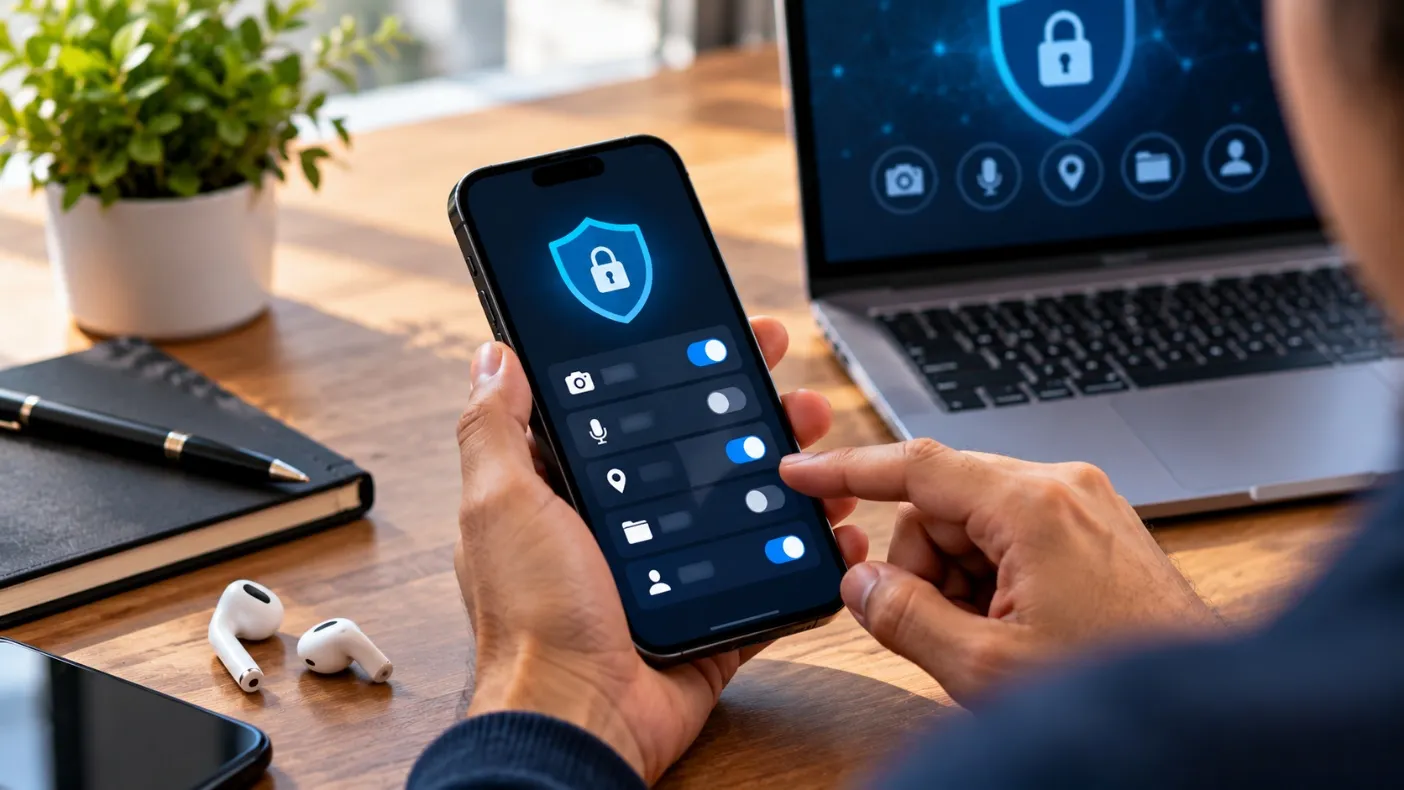
Take a sports app that wants to send score notifications. Notification permission could serve that feature, while a request to read the address book is harder to justify. Evaluating each request against a stated function gives users a concrete method instead of a vague instruction to be careful.
Permissions can sometimes be granted only while an app is actively in use. Using the tightest setting helps cut down on unwanted exposure. An app should clearly explain what stops working when access is declined, rather than making the user guess about the consequences.
Notifications change attention
Constant score alerts can be useful for fans but exhausting when every event demands a reaction. A request for location access may be understandable in limited circumstances; unrestricted access to contacts is harder to explain for a score-focused interface.
Customise alerts and silence unnecessary prompts during work, study and sleep. Modern phone settings can restrict permissions after installation. Periodically reviewing them avoids granting lasting access through a single hurried tap.
Read permissions in context
An application that requests sensitive access should offer a clear explanation for it. Updates sometimes introduce new trackers, or permissions.
If software performs in unanticipated ways, removing unneeded rights can help reduce damage. Reading change notes and checking the publisher helps distinguish routine maintenance from an unexplained software change. Avoid downloading replacements from random mirrors solely because an older version no longer opens.
When a phone changes hands
Replacing a device introduces small but important steps: signing out, removing saved credentials and revoking old sessions where possible. Simply deleting an icon does not guarantee an account cannot still be reached from the previous phone.
A secure handover includes removing personal files and checking recovery methods that still point to an old number. These habits are useful for all kinds of apps, from travel tools to account dashboards. They show why security is a continuing process rather than a one-time setup.
Leave room to disconnect
Clear sign-out functions and transparent deletion policies are basic indicators of good design. A privacy policy should explain what happens to identifiers, browsing data and account records when the user leaves.
Digital entertainment should remain optional rather than becoming a source of persistent pressure. Look for a deletion request route, not just a sign-out button. For a financial service, complaint procedures and retained transaction records may also matter.
Conclusion
Good digital hygiene is a set of modest actions carried out consistently. Before trusting anything associated with 365lotus.org.in, readers should investigate the operator, applicable regional rules and the way personal information is handled.